
Settings in the sidebar. Everything here affects only your own view of the dashboard.
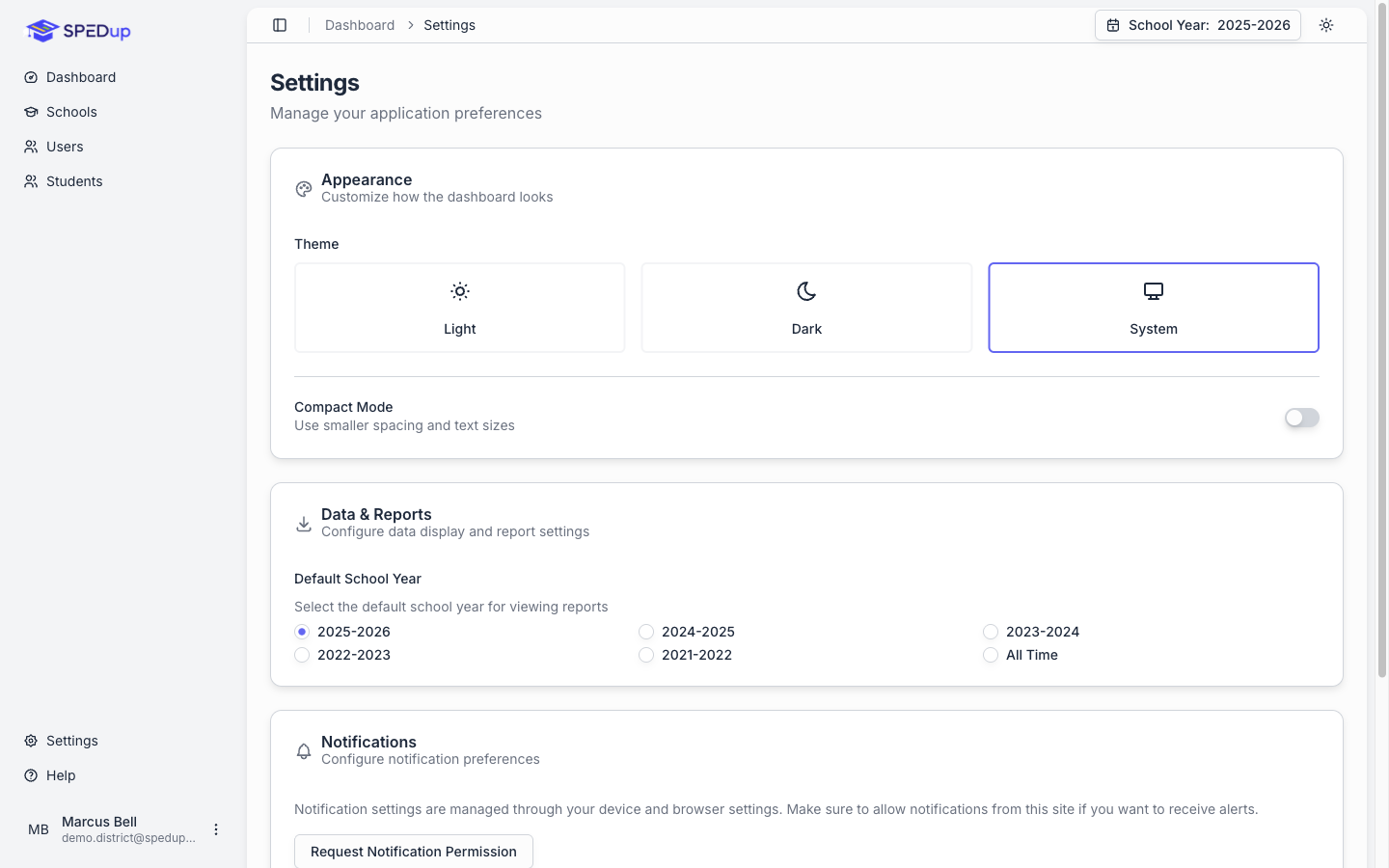
Appearance
Theme. Light, Dark, or System. System follows whatever your computer is set to. Your choice is remembered between visits.
Charts adapt to the theme automatically. PDFs always print on white, whichever theme you are using.
Compact Mode. A switch that tightens spacing and text size. Useful on a smaller screen or when you are working through long lists.
Data and Reports
Default School Year. Which school year the dashboard opens on.
A school year runs August 1 to July 31. The header selector still lets you change it at any time; this just sets where you start.
Worth setting deliberately. The most common source of confusing numbers on the dashboard is a school year selector nobody noticed was on the wrong year.
Notifications
Browser notifications are controlled by your browser, not by SPEDup. Request Notification Permission prompts your browser to allow them.
If you already denied notifications for this site, the button cannot override that. Change it in your browser's site settings.
Push notifications for admin support alerts arrive on your phone through the mobile app. See Requesting admin support.
About
Version information for the dashboard. Include this when you report a problem to support.
Your profile
Your account details are on the Profile page, reachable from your account menu at the bottom of the sidebar: your name, email, role, and school or district assignment.
To change your own roles, ask another administrator. Nobody can change their own administrator flags, by design. See People and roles.